
Yenkai is a shared photo book for your friends and family. Everyone adds their photos, and nobody loses a memory again.











everyone, finally in one place
A book you make together.
Everyone in the group pastes their own photos onto the same pages. Here it is, from the shelf to Memory Lane.
- 01
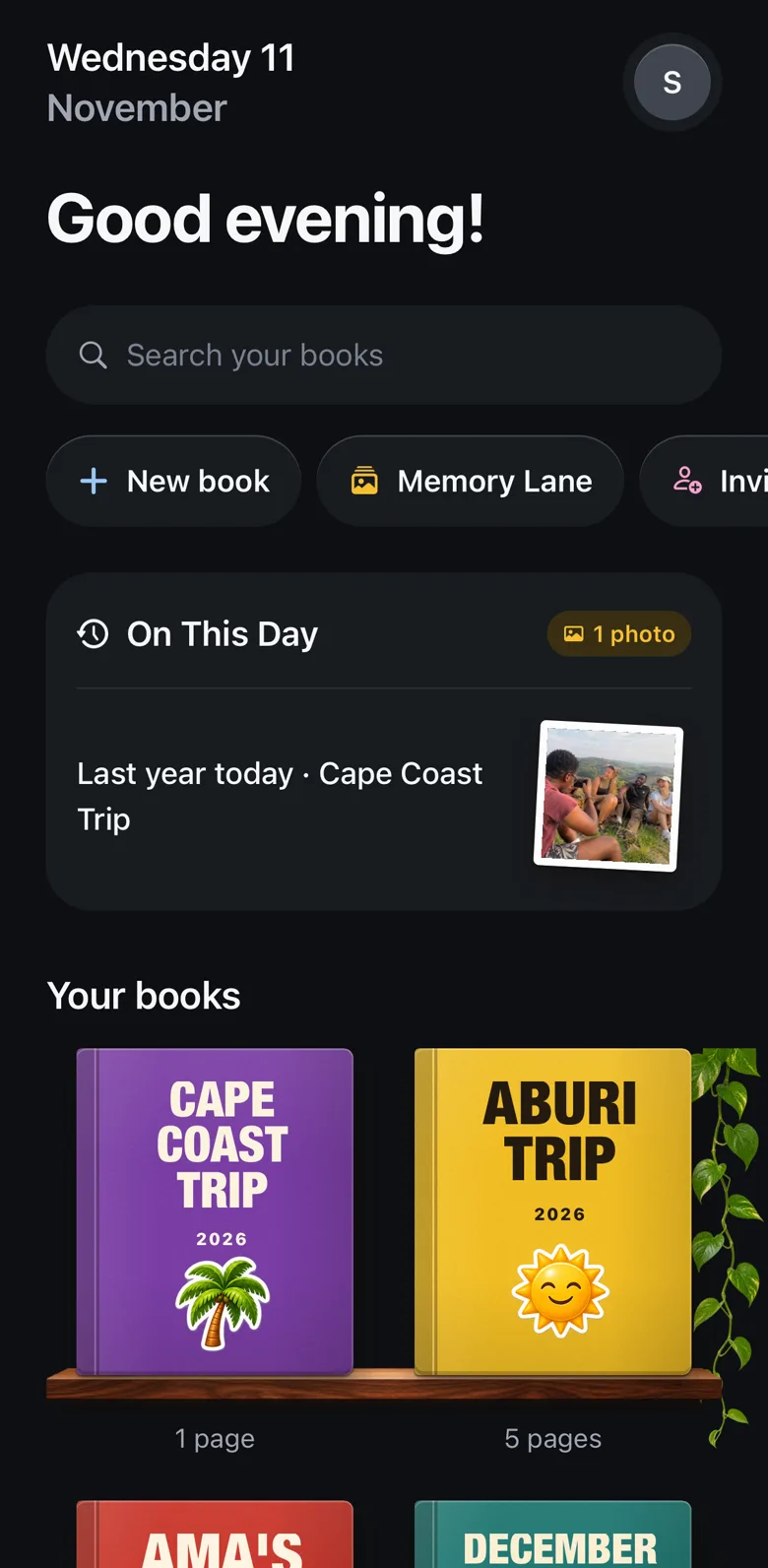
Your books, on a shelf.
Each group gets its own book: the trip, the birthday, the family. They sit together on a wooden shelf and open when you tap one.
- 02
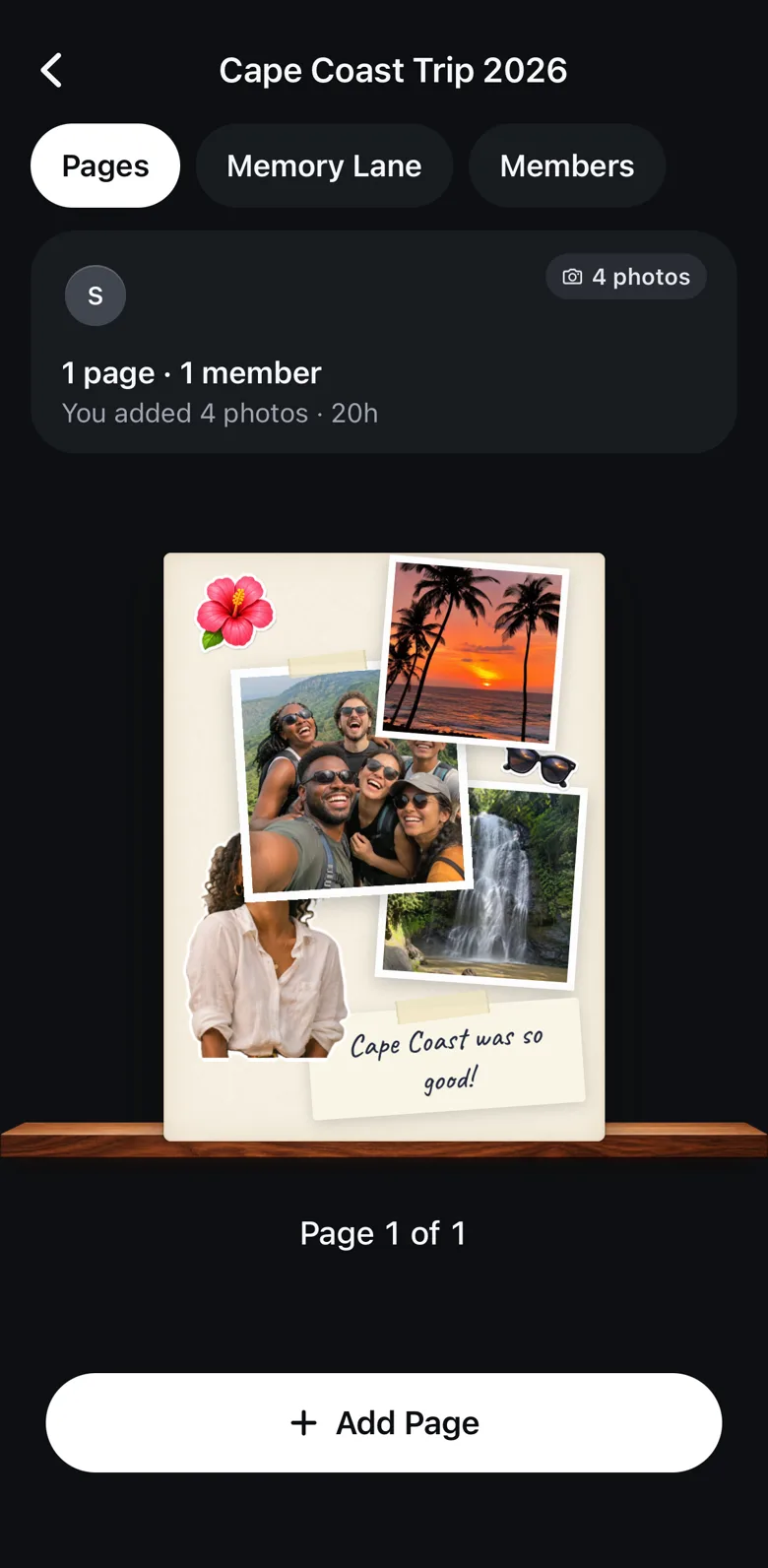
Open it to the pages.
Flip through what everyone has added so far. Every page is a collage, put together by hand.
- 03
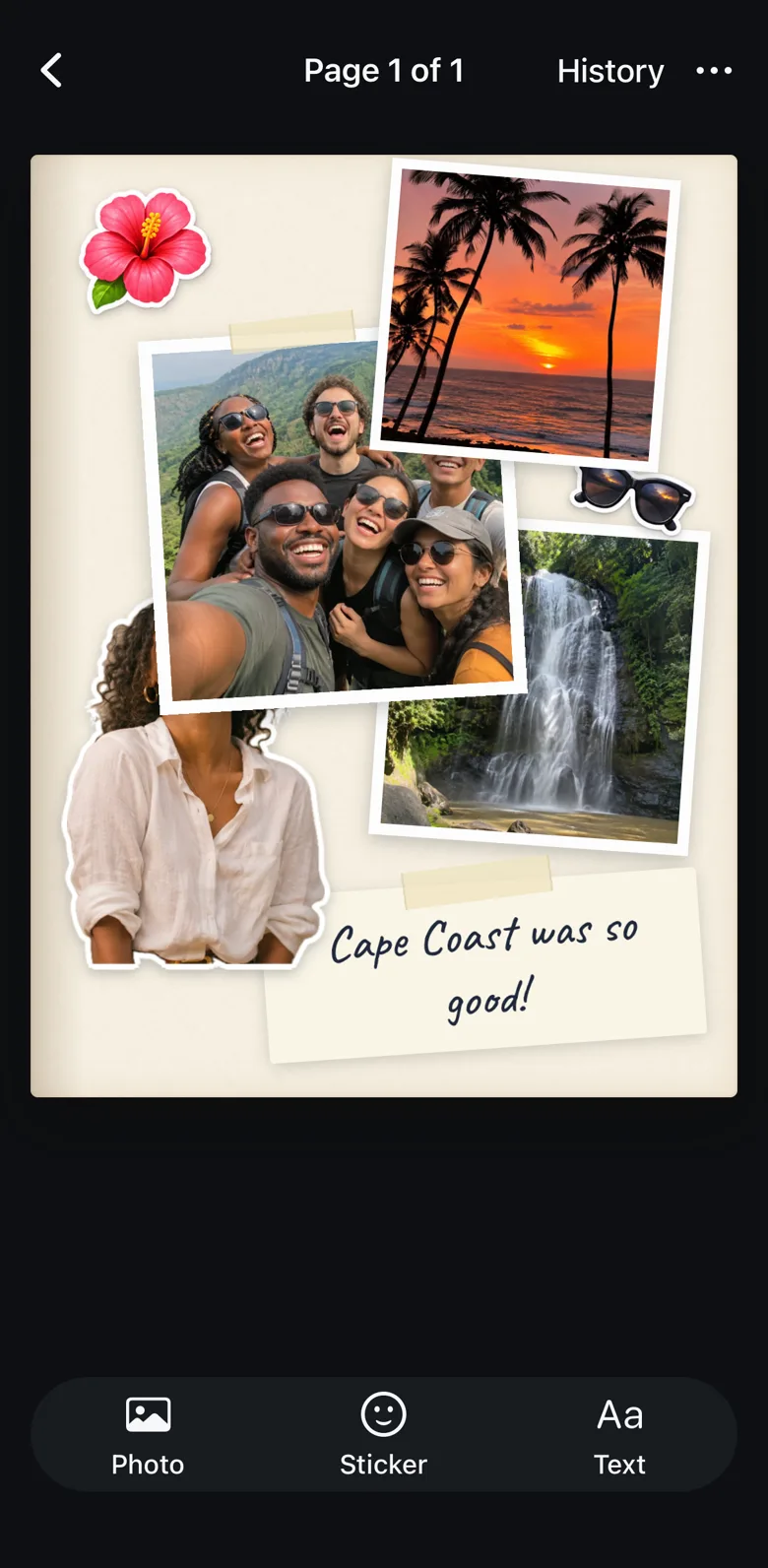
Paste your photos in.
Drop photos onto the page, tape them down, add a sticker and a note in your own words.
- 04
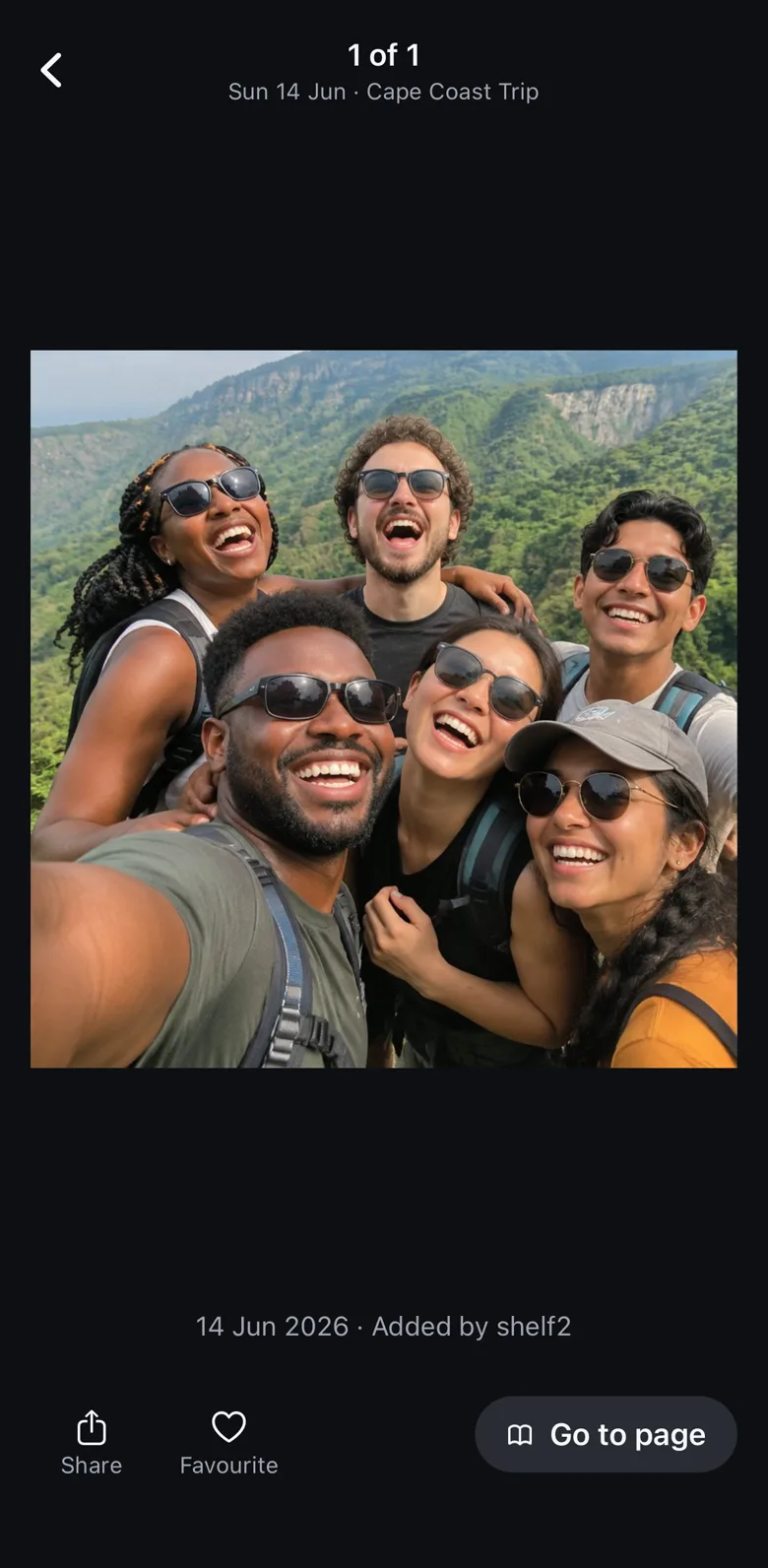
Keep the original.
Every photo is stored at full quality. Anyone in the book can save it, even after losing a phone.
- 05
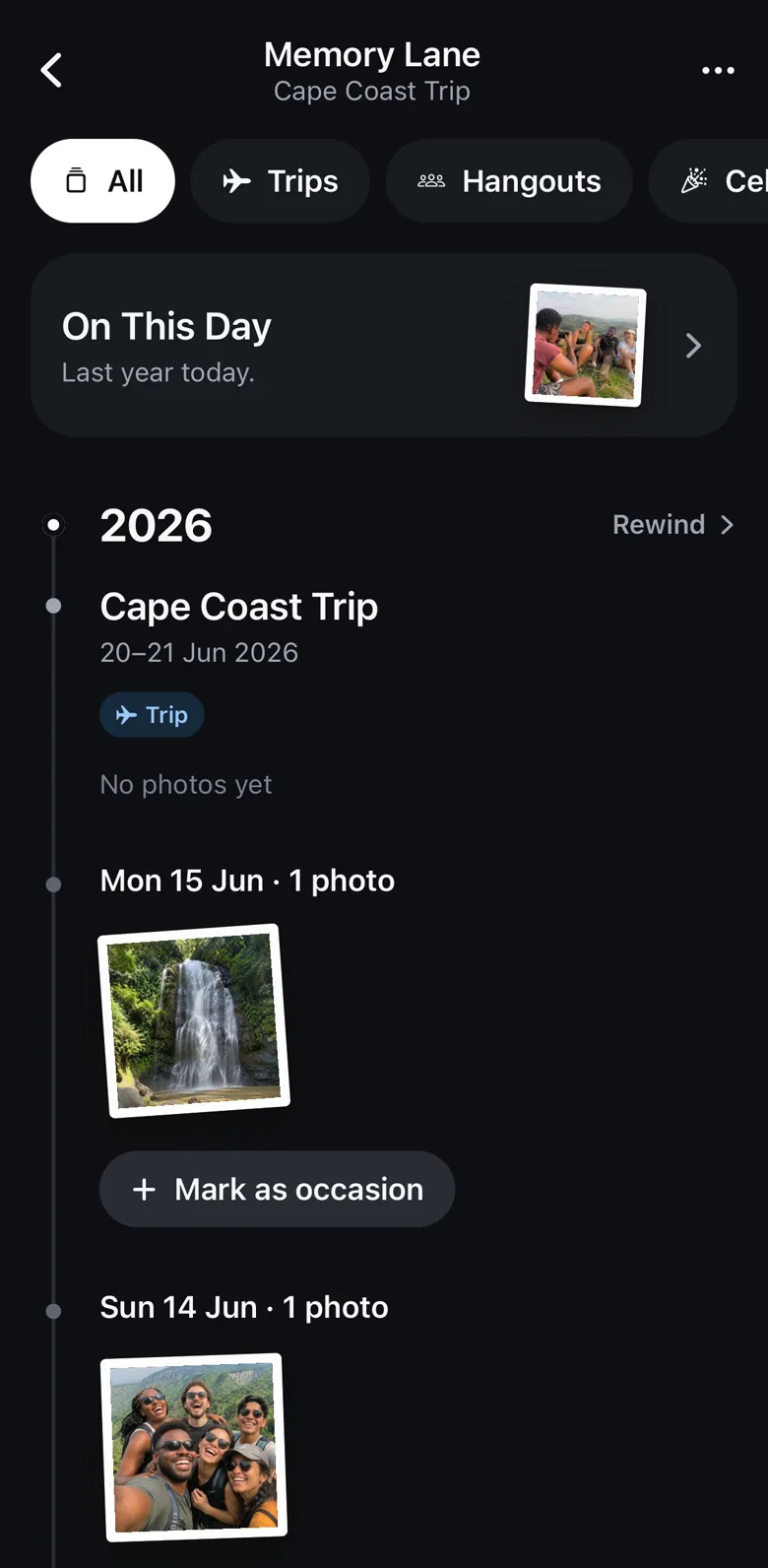
Walk down Memory Lane.
With Plus, each book becomes a timeline by year and occasion, with On This Day and a Yearly Rewind.
Simple to start.
Make a book, bring your people, and the pages fill themselves.
-
Start a book
Give it a name and a cover. One for the trip, one for the wedding, one for the family.
-
Invite your people
Send an invite by email. They join on iPhone, Android or the web.
-
Everyone adds photos
The same pages, everyone's photos. Nothing lost in a group chat.
-
Keep every original
Every photo is stored at full quality. Anyone in the book can save it, even after losing a phone.
Free to start. Plus when you want more.
Pricing at launch. One person with Plus can unlock a full book for everyone in it.
| Feature | Free | Plus |
|---|---|---|
| Shared books with your friends and family | Included | Included |
| Every original kept at full quality | Included | Included |
| Share a page as one picture | Included | Included |
| Pages in a book | Up to 5 | Unlimited |
| Memory Lane, On This Day and Yearly Rewind | Not included | Included |
| Premium covers and stickers | Not included | Included |
Questions
When can I start using it?
Soon. Join the waitlist and we'll send you one email when Yenkai opens. Nothing else.
Who can see our book?
Only the people in it. You invite them by email, and anyone in the book can see its pages and save its photos.
Do my friends need an iPhone?
No. Yenkai works on iPhone, Android and the web, so everyone can add their photos.
Are my photos made smaller?
Pages show a lighter copy so they load quickly. The original is kept too, at full quality, and anyone in the book can save it.
What does Plus add?
Unlimited pages, Memory Lane, and premium covers and stickers. One person with Plus can unlock a full book for everyone in it. Prices will be shared at launch.
Can I delete my account?
Yes, from Profile in the app. Your account and the photos you added are deleted.


Start the book your group keeps talking about.
Yenkai means "we remember" in Twi. Join the waitlist and be first in when it opens.